


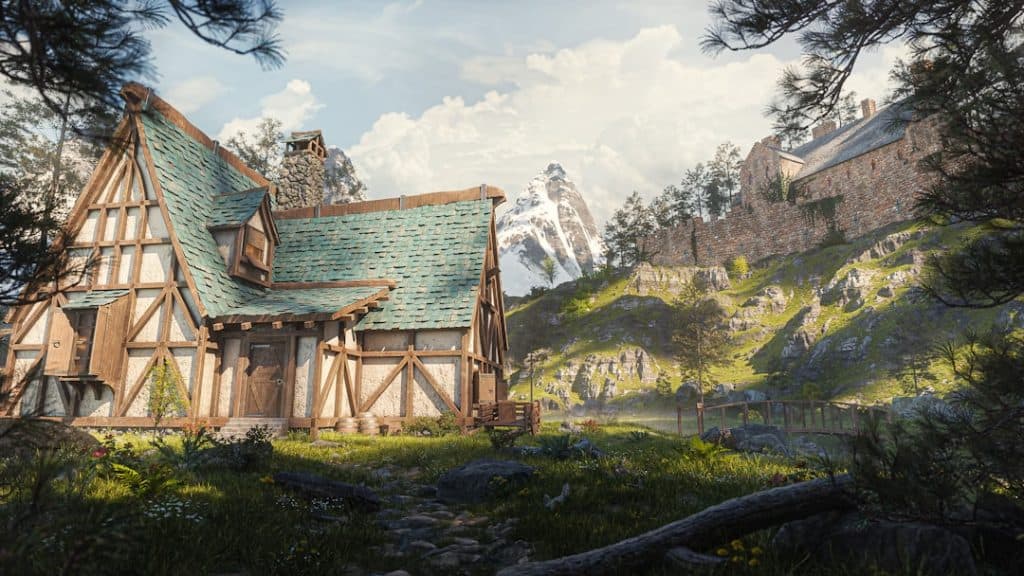
In recent years, artificial intelligence has revolutionized the way visual artists, writers, and game developers bring characters and concepts to life. Whether you’re building the next big indie game or crafting a vivid world for your novel, AI image generation tools can now spark creativity faster than ever before. These apps aren’t just producing pretty pictures—they’re reshaping the creative process at every level, especially in character and environment design.
TL;DR
Looking to speed up your creative workflow or need visual references for your game or story? AI image-generation tools like Midjourney, DALL·E 3, and Artbreeder provide visually rich, flexible outputs ideal for character and concept creation. Most allow detailed prompts or simple tweaking of features, making them useful whether you’re a solo creator or part of a major studio. Read on to explore top AI tools for visual storytelling in game development and beyond.
1. Midjourney
Midjourney has quickly become one of the most popular AI art generators due to its high-quality rendering and artistic flair. Hosted on Discord, this tool allows users to enter text prompts that result in stunning, stylistic images suited for conceptual art. It’s especially favored by game developers and visual artists who appreciate stylized looks over photorealism.
Midjourney shines in fantasy world-building and character ideation. It thrives when given descriptive, emotional, and narrative-rich prompts.
- Best for: Stylized concept art, fantastical characters, surreal environments
- Strengths: Painterly aesthetic, layered detail, customizable rendering style
- Limitations: No API and limited fine-tuning options

2. DALL·E 3 (by OpenAI)
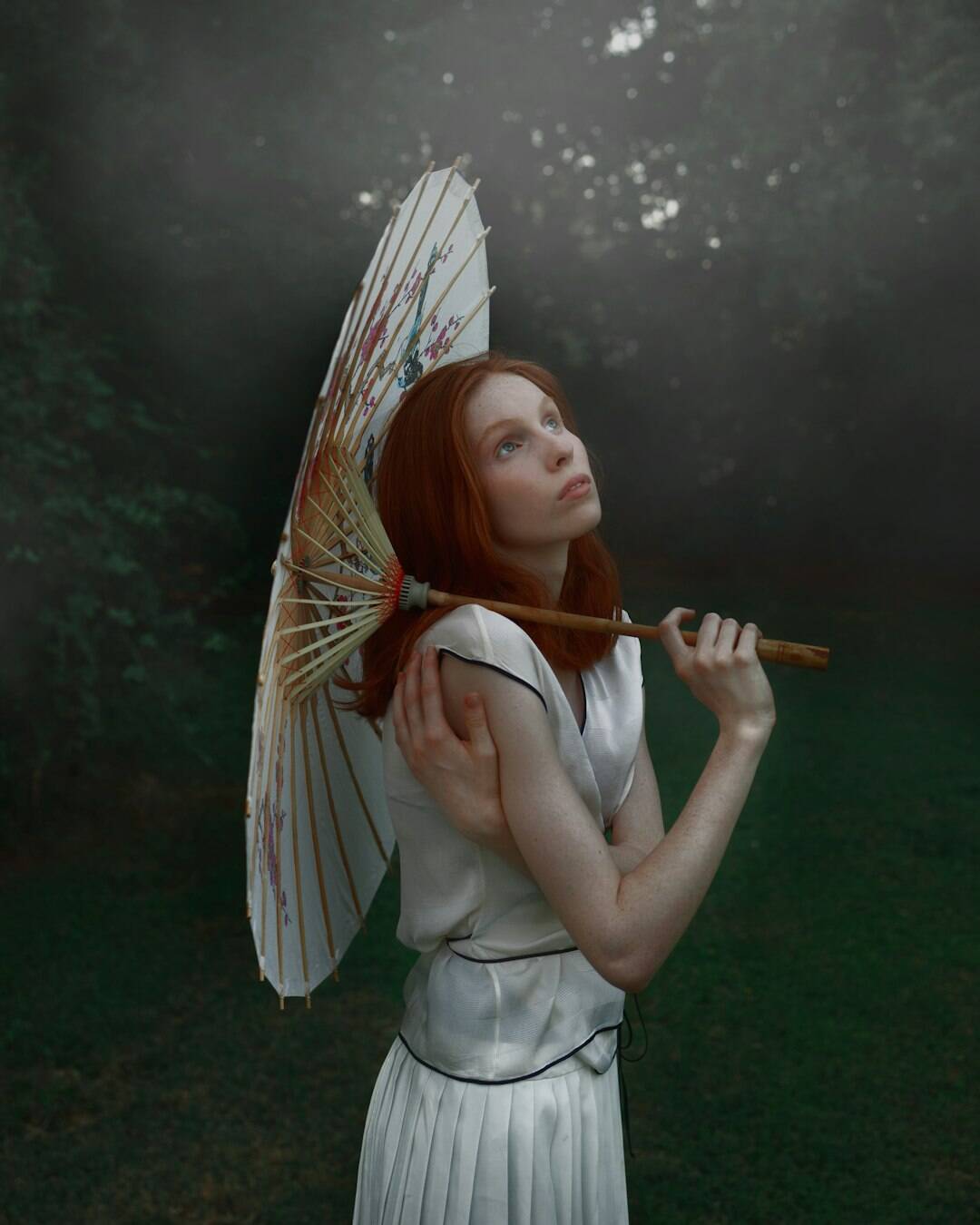
DALL·E 3 is the latest generation of OpenAI’s image-modeling tool, embedded into platforms like ChatGPT and Microsoft Bing. What sets DALL·E 3 apart is its contextual understanding of language, allowing users to describe complex scenes, styles, or even mimic storybook illustrations for children’s media.
It’s powerful for character prototyping when combined with precise prompts—especially when integrated with ChatGPT for auto-suggestion and prompt generation.
- Best for: Quick drafts, storyboard visuals, multipanel art concepts
- Strengths: Deep language integration, usable by non-artists, supports inpainting/editing
- Limitations: Sometimes lacks fine-grained aesthetic control
3. Artbreeder
Artbreeder doesn’t generate art from scratch like other tools—it uses a hybrid of AI and morphing sliders to evolve characters and landscapes. It’s best for iterative refinements and exploring variation. Game developers and writers looking to visualize a scene or facial expression without committing to a full rendering process will find this particularly useful.
One of Artbreeder’s key features is browser-based control over facial symmetry, pose, and emotion—ideal for building character realism in story-heavy games.
- Best for: Consistent character design exploration, headshots and portraits
- Strengths: High customizability, easy variation, community-driven remixing
- Limitations: Heavily depends on existing models; stylization is limited
4. Runway ML
Runway ML is geared toward creators working in video, 3D, and mixed media. It features a well-designed suite for both image and video manipulation using generative AI. That makes it not only good for stills but also for storyboarding scenes and animating sequences.
Some of its key features include text-to-image generation, inpainting tools, and motion capture. This tool is perfect for game designers who are also developing trailers or pitch videos alongside visual world development.
- Best for: Characters in motion, dynamic scene testing, video-based storytelling
- Strengths: Rich integration with video pipelines, intuitive tools for creators
- Limitations: Steeper learning curve for non-technical users


5. Leonardo.Ai
Built primarily with game development in mind, Leonardo.Ai allows for high-volume image generation via refined models. What sets it apart is its templates and pre-trained settings geared toward fantasy, sci-fi, and cyberpunk genres.
One unique feature is its prompt refinement engine—you can write a basic description, and it helps polish it for maximum visual fidelity. It also includes an AI canvas, allowing drag-and-drop scene composition—an incredible aid to indie game creators without full-time artists on their team.
- Best for: Genre-specific character design, background detailing
- Strengths: Pro user tools, pre-trained fantasy/sci-fi models, layered editing
- Limitations: Best used on desktop; mobile version lacks full features
6. Dream by Wombo
Dream is a mobile-first AI art generator that emphasizes ease of use and stylization. If you’re working on story-based visuals or moodboards on the go, this app offers serious creative power in your pocket. You enter a prompt, choose a style, and Dream will do the rest.
It’s perfect for ideation early in your project—especially when you’re trying to explore tone, color schemes, and world vibes before fine-tuning character designs.
- Best for: Quick visual concepts, storyboards, aesthetic direction
- Strengths: Mobile access, fast generation, variety of art styles
- Limitations: Less control over detail, not designed for precision outputs
7. Stable Diffusion via Automatic1111
For technical users who want total control over their AI image generation pipeline, Stable Diffusion’s Automatic1111 interface is a top pick. It’s open-source, highly customizable, and supports dozens of model extensions—allowing users to train styles, blend models, or even maintain image consistency across frames.
This platform is particularly beneficial for game studios and artists who want to integrate AI into their art workflow with scripting or automation.
- Best for: Custom avatar generation, background art, consistent multi-scene rendering
- Strengths: Community models, API access, batch generation options
- Limitations: Requires GPU or cloud hosting, less beginner-friendly
Final Thoughts
The AI image generation space is exploding with innovation—from mobile apps to studio-level desktop tools. Whether you’re crafting a gritty dystopian RPG or writing a graphic novel, these tools can offer lightning-fast visualization, iterative design, and creative breakthroughs that were once expensive or out of reach.
While each tool has its strengths, consider your project needs, visual goals, and technical comfort level before diving in. With the right AI image tool, your characters won’t just exist in your imagination—they’ll step out onto the screen, born of both your prompt and the algorithm’s flair.