


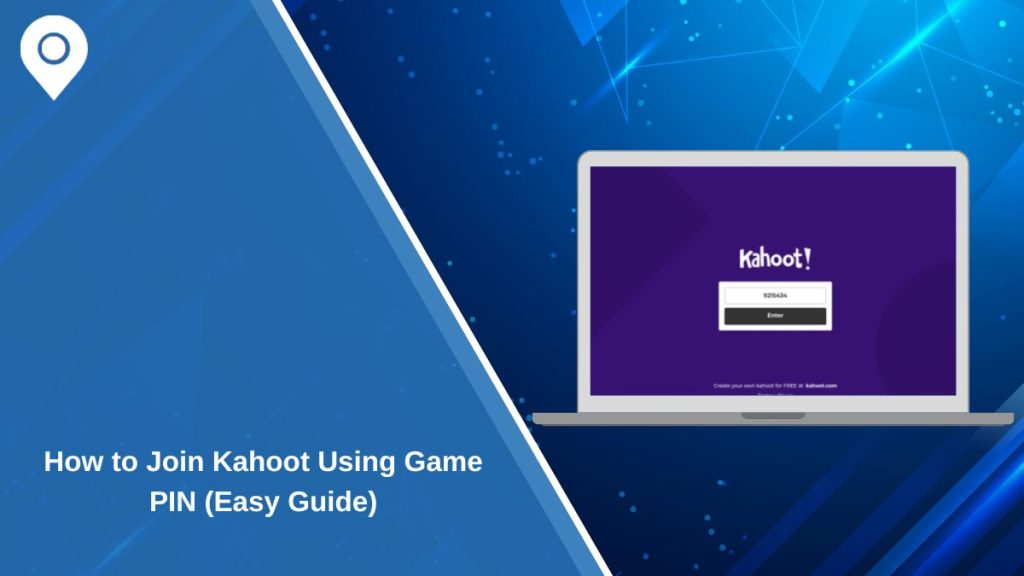
Kahoot is a popular quiz platform used in schools, workplaces, and online events. It allows a host, such as a teacher or presenter, to create a live quiz while others join using a simple code. This code is called a Kahoot join PIN.
Many users get confused when they try to join a game for the first time. They may not know where to find the PIN or how to enter it correctly. The process is actually very simple once you understand how Kahoot works and how the host shares the code.
What Is a Kahoot Join PIN?
A Kahoot join PIN is a unique number created for each live quiz session. When a host starts a game on Kahoot, the system generates this code automatically. It is not something users can create or guess on their own.
This PIN works like an entry key. Without it, you cannot join the quiz. Every game has a different PIN, which means old codes will stop working once the session ends. This helps keep each quiz private and controlled by the host.
The Kahoot system uses this PIN to connect players to the correct live session. So when you enter the code, you are joining that specific quiz in real time.
Where to Find the Kahoot Game PIN
The Kahoot PIN always comes from the host. You cannot find it by searching online or inside the app without the host starting a game.
In a classroom, the teacher usually displays the PIN on a board or projector. Students simply look at the screen and enter the code on their device. In online sessions, the host may share the PIN through a video call, chat message, or screen sharing.
Sometimes users miss the code because they join late or are not paying attention when the host shows it. In that case, the best option is to ask the host to repeat the PIN.
It is important to enter the code exactly as shown. Even a small mistake can stop you from joining the quiz.
How to Enter a Kahoot Join PIN

Joining a Kahoot game is quick when you follow the right steps.
- Open your web browser and go to Kahoot.it or open the Kahoot app on your phone or tablet
- On the main screen, you will see a field to enter the game PIN
- Type the PIN given by the host
- Click enter or tap the join button
- Enter your nickname so others can see your name in the game
- Wait for the host to start the quiz
After this, you will be connected to the live session. Your nickname will appear on the host’s screen, which confirms that you joined successfully.
Why Your Kahoot PIN Might Not Work
Sometimes users face problems when entering a Kahoot PIN. This can happen for a few simple reasons.
One common issue is that the game has already ended. Kahoot sessions are live, so once the host stops the quiz, the PIN becomes invalid. If you try to join after that, the system will not accept the code.
Another reason is entering the wrong PIN. Since the code is usually a set of numbers, it is easy to mistype it. Double-checking the numbers can solve this quickly.
Internet connection also plays a role. If your connection is slow or unstable, the Kahoot page may not load properly. This can make it seem like the PIN is not working when the real issue is the connection.
Sometimes the app or browser may have temporary glitches. Refreshing the page or restarting the app can help fix this.
Tips to Join Kahoot Without Problems
A few simple habits can make joining Kahoot much easier.
- Always join as soon as the host shares the PIN
- Check your internet connection before entering the code
- Make sure you type the PIN correctly without missing any number
- Use a modern browser like Chrome, Safari, or Edge
- Keep your app updated if you are using the mobile version
- Pay attention to the host screen so you do not miss the code
These steps reduce the chance of errors and help you join quickly without stress.
What Happens After You Join a Kahoot Game
Once you enter the correct PIN and add your nickname, you will see a waiting screen. This means you are now part of the quiz session.
Your name will appear on the host’s screen along with other participants. This lets the host know who has joined. At this stage, you just wait until the host starts the game.
When the quiz begins, questions will appear on the main screen, and you will answer using your device. Kahoot makes the experience interactive, so you can compete with others in real time.
Final Thoughts
Finding and entering a Kahoot join PIN is simple once you understand the process. The most important thing is to get the correct PIN from the host and enter it carefully.
If something does not work, it is usually a small issue like a wrong code or slow connection. With a little attention, you can join any Kahoot game without problems.
If you have faced any issues or learned helpful tips, you can share them. It may help others join their next quiz more easily.