



Instagram Reels are short videos people watch again and again. Sometimes you want to save a Reel to watch later, share with friends, or keep it for reference. The problem is that Instagram does not offer a clear download button for most Reels. This makes users look for other ways.
This guide explains how to download Instagram Reels using simple and working methods. It covers phone and desktop options, explains limits, and helps you avoid unsafe tools.
What Are Instagram Reels?
Instagram Reels are short videos shared on Instagram, usually with music, captions, and effects. They play in a vertical format and loop automatically. Reels appear in the Reels tab, in feeds, and sometimes in Stories.
Reels are different from normal posts because they focus on quick viewing and discovery. Many creators use them for tutorials, entertainment, or trends. Because Reels can disappear or accounts can turn private, users often want to save them.
Can You Download Instagram Reels Legally?
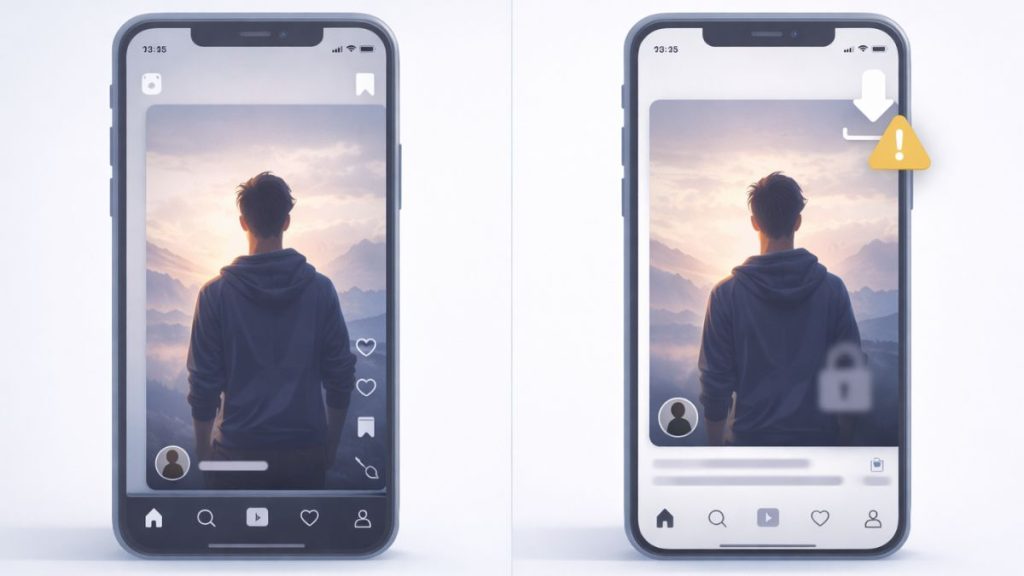
Instagram allows users to save Reels inside the app, but that does not mean downloading the video file. Saving only bookmarks the Reel in your account. The video stays on Instagram servers.
Downloading Reels for personal use is common, but reposting or reusing them without permission can break Instagram rules. Public Reels are easier to access than private ones. Always respect the creator’s rights and avoid misuse.
Save Instagram Reels Using Instagram’s Built-In Option
Instagram provides a save feature inside the app. This does not download the video to your device.
How it works:
- Open the Reel
- Tap the save icon
- Find it later in your saved collection
This method is safe and official, but it only works inside the Instagram app and does not allow offline access outside the app.
How to Download Instagram Reels Without an App
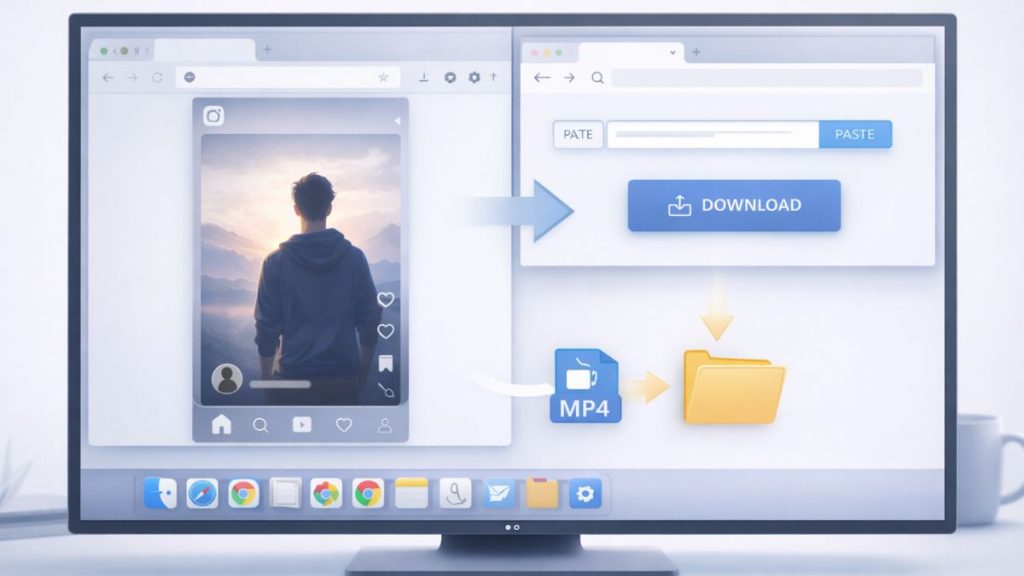
If you do not want to install an app, online tools are a common option. These tools work through a web browser.
General steps:
- Open the Reel on Instagram
- Copy the Reel link
- Paste the link into an online downloader
- Download the video file, usually in MP4
This method works on most devices and does not require login. Be careful to avoid fake buttons or sites that ask for your Instagram password.How to Download Instagram Reels on Android and iPhone
How to Download Instagram Reels on Android and iPhone
The steps to download Instagram Reels change slightly depending on your phone. Android and iPhone handle downloads differently, so follow the method that matches your device.
Download Reels on Android
On Android, users often rely on browser-based tools or third-party apps. Browser tools are safer because they do not require system permissions.
Copy the Reel link, open a downloader site in your browser, and save the video. The file usually appears in your downloads folder.
Download Reels on iPhone
On iOS, downloading is more limited. Safari-based tools can work, but files may save to the Files app instead of Photos. Some users use third-party apps, but these may show ads or limit quality.
If a tool does not work on iPhone, try using a desktop method instead.
How to Download Instagram Reels on PC or Mac
Downloading Reels on a computer is often easier. You can use any modern web browser on Windows or macOS.
Steps are simple:
- Open Instagram in your browser
- Copy the Reel URL
- Paste it into an online downloader
- Save the video file to your system
Most downloads save as MP4 and can be played offline without issues.
Why Some Instagram Reels Cannot Be Downloaded
Not every Reel can be downloaded. This depends on account and content settings.
Common reasons include:
- The Reel is from a private account
- The Reel was deleted
- Regional restrictions apply
- Creator disabled external access
- The link is copied incorrectly
If one method fails, testing another device or browser sometimes helps.
Safety Tips When Downloading Instagram Reels
Downloading Reels is common, but safety matters.
Keep these points in mind:
- Do not log in to Instagram on downloader sites
- Avoid tools that ask for permissions
- Watch out for fake download buttons
- Skip apps with excessive ads
- Do not install unknown browser extensions
- Scan files if something looks suspicious
Safe tools never need your Instagram password.
Final Thoughts
Downloading Instagram Reels is possible, but the method depends on your device and comfort level. Built-in saving works for casual use, while online tools help with offline access. Always respect creators and use downloads responsibly.
If this guide helped you, share it with others or leave a comment about which method worked best for you.