

What a Grubhub gift card balance means?
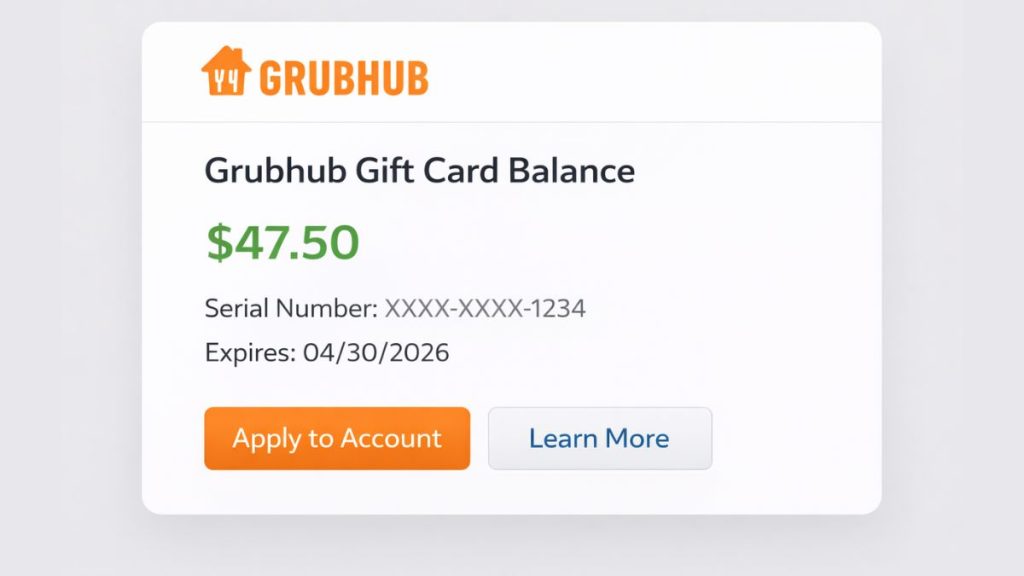

A Grubhub gift card balance is the remaining stored value on your Grubhub eGift Card. You can use that balance for eligible takeout and delivery orders on grubhub.com and in Grubhub’s iPhone, iPad, and Android apps. Grubhub’s gift card terms also say these eGift Cards do not have an expiration date.
This balance is not the same as a promo code or a meal credit. A promo code works like a discount, while a gift card works like prepaid order credit. Grubhub’s terms say the gift card balance can be viewed on the checkout page, so the balance check is tied to the order flow rather than a separate public checker page.
What you need before you check the balance?
Before you check your Grubhub gift card balance, make sure you can sign in to your Grubhub account and have your gift card code ready if it has not been redeemed yet. It also helps to add food items to your cart first, because Grubhub says the balance appears on the checkout page. Grubhub’s terms also say you need a Grubhub account and a credit card on file to complete a purchase, even if the gift card covers the full order.
How to check your Grubhub gift card balance?
Grubhub says you can view your eGift Card balance on the checkout page. So, the easiest way to check it is to start an order, go to checkout, and look in the payment area where gift cards and promo codes are applied.
Follow these steps:
- Sign in to your Grubhub account on the website or mobile app.
- Add items from a restaurant to your cart.
- Open the checkout page.
- Click or tap the option to add gift cards and promo codes. Grubhub’s FAQ says this appears at checkout.
- Enter your eGift Card code if it has not been applied yet.
- Look at the payment section to see the applied amount and the remaining value tied to the gift card at checkout.
- If the full amount is not used, note the remaining balance for a future order. Grubhub says unused value stays on the card because the eGift Card does not expire.
How the balance works at checkout?
When you apply a Grubhub gift card, the card balance goes toward the order total at checkout. If the gift card does not cover the full amount, Grubhub says the rest must be paid with another accepted payment method. Its FAQ also says you can use multiple eGift Cards on a single order.
The amount left on the card depends on the full checkout cost, not just the food subtotal. Taxes, delivery fees, service fees, and other charges can reduce the remaining balance after the order goes through. That is why the checkout page is the best place to check the real available amount before you place the order.
Tip: Keep your gift card email or code until the balance reaches zero. That makes it easier to check the value again on your next order.
Common problems when checking a Grubhub gift card balance
Sometimes the balance does not appear right away. In many cases, the issue is not the gift card itself. It may be a sign-in issue, a checkout flow issue, or a problem with the code entry.
Here are a few common problems:
- You are signed in to the wrong Grubhub account.
- The gift card code was entered incorrectly.
- You expected a separate balance page instead of checking at checkout.
- The card was not redeemed or applied in the payment section.
- The checkout page did not load properly in the app or browser.
If the code still does not work, Grubhub Help is the next place to check.
Simple tips for smoother gift card use
A few small habits can make gift card use easier. Sign in before you start your order, keep the gift card code saved, and review the payment section carefully before placing the order. Also, keep a backup payment method on file, because Grubhub says another payment method is needed when the eGift Card does not cover the full purchase.
You should also remember a few basic rules. Grubhub says eGift Cards cannot be reloaded, cannot be used to buy other eGift Cards, and may not be redeemable on certain corporate accounts. Those details matter if the card does not behave the way you expected during checkout.
Conclusion
Checking your Grubhub gift card balance is mostly a checkout task. Sign in, add something to your cart, open the checkout page, and look in the payment section where gift cards and promo codes are applied. That is where Grubhub says the eGift Card balance appears.
Keep your gift card code handy until all the value is used. If the balance does not show or the code does not apply, contact Grubhub support for help. And if this guide helped, share it with someone else who is trying to use a Grubhub gift card for the first time.