


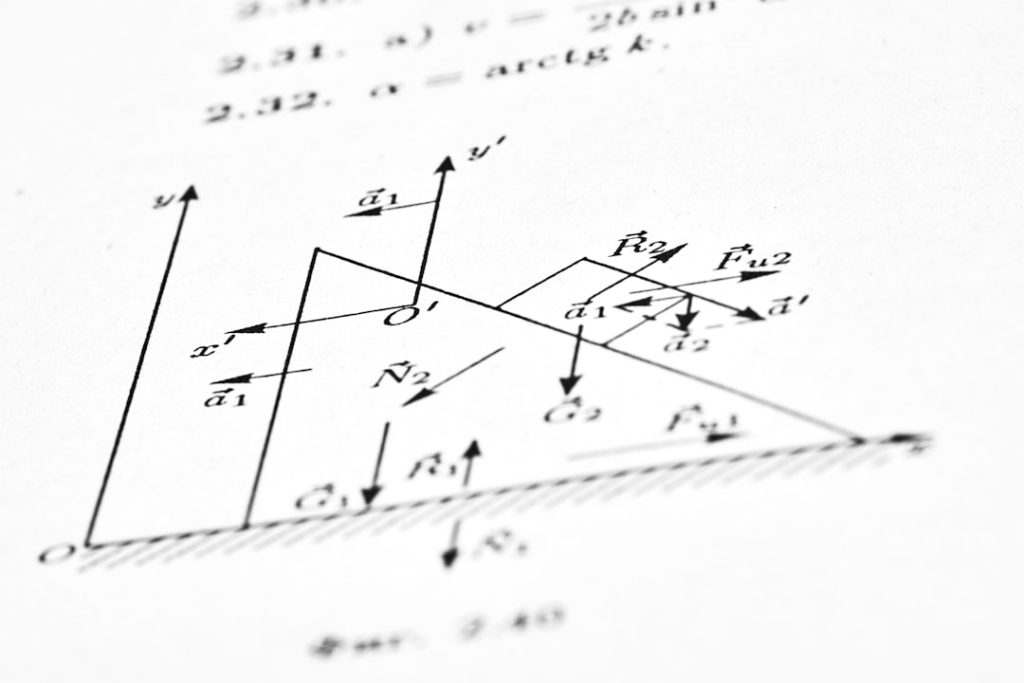
Artificial Intelligence (AI) tools are rapidly transforming the landscape of STEM education, particularly in fields like mathematics, physics, and engineering. These intelligent systems are not only simplifying complex concepts but also offering personalized support, real-time problem-solving, and greater engagement for STEM students of all levels.
TLDR:
AI platforms like Wolfram Alpha, Mathway, ChatGPT, and DeepL are revolutionizing how STEM students learn and engage with content. These tools provide step-by-step solutions, real-time tutoring, symbolic computation, and simulations. Whether it’s solving equations, visualizing physics concepts, or optimizing engineering designs, AI tools are becoming indispensable in modern STEM education. Choose the right platform based on your study needs and tech preference.
Top AI Platforms for STEM Students
Here’s a detailed look at some of the best AI platforms available to students pursuing mathematics, physics, and engineering degrees:
1. Wolfram Alpha
Best for: Symbolic computation, mathematics, physics equations, plotting functions, scientific queries.
Known as the “computational knowledge engine,” Wolfram Alpha stands as one of the most powerful tools for STEM learners. What sets it apart is its ability to understand natural language input and generate step-by-step solutions.
- Math: Solves everything from algebra to multivariable calculus.
- Physics: Handles kinematic equations, optics, electricity and magnetism queries with built-in formulas and unit conversions.
- Engineering: Ideal for signal processing, thermodynamics, circuit analysis and more.
The platform is particularly popular in university settings due to its robust Wolfram Language and integration with Mathematica.

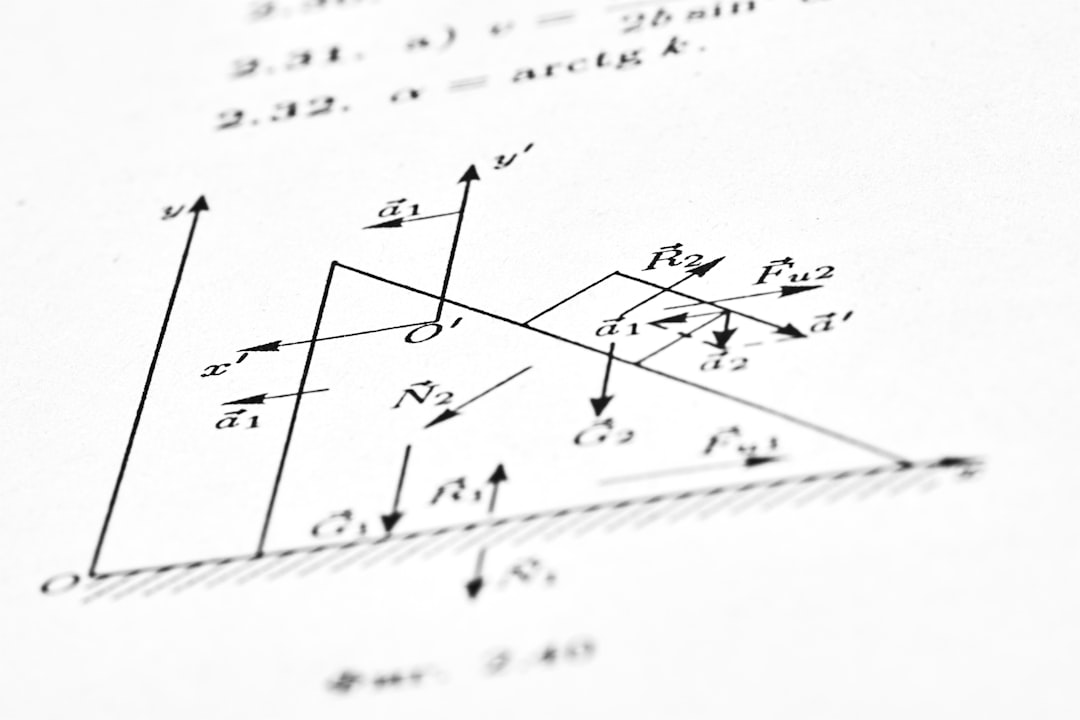
2. Mathway
Best for: Instant math problem-solving, intuitive mobile usage, entry-level to advanced topics.
Mathway is an incredibly useful app for students who need quick and accurate solutions to math problems. Just take a photo or type in the problem, and the app will provide step-by-step solutions. It supports algebra, geometry, trigonometry, calculus, and statistics.
- Excellent UI and OCR (Optical Character Recognition).
- Gives multiple solving methods for the same problem.
- Ideal for homework checking and practice.
Though Mathway shines for math tasks, it’s not as tailored for physics or engineering-specific problems beyond basic calculations.
3. ChatGPT by OpenAI
Best for: Natural language interaction, conceptual clarification, sample code, formula derivation.
ChatGPT, based on the GPT-4 architecture, acts as an intelligent AI tutor capable of contextual understanding and responsive dialogue across a wide spectrum of STEM subjects. It can walk students through math problems, explain physics concepts, and even generate code for engineering projects.
- Ideal for self-learners who benefit from conversational explanations.
- Can simulate tutoring sessions or act as a study partner.
- Useful for debugging code in MATLAB, Python, C++, etc.
Despite its strengths, students should cross-verify outputs as ChatGPT may sometimes produce incorrect information or overly simplified explanations.
4. Symbolab
Best for: Step-by-step math solutions, detailed algebra and calculus progression, education-focused features.
Symbolab is designed specifically for mathematics. Like Mathway, it delivers answers quickly, but it excels particularly in its breakdown of problem-solving processes. Designed by math professionals, the app is tailored for academic environments.
- Solves integrals, derivatives, limits, matrices, and differential equations.
- Demonstrates real-world applications.
- Used widely in high school and undergrad settings.
Its focus is strictly on math, which limits usefulness in physics or engineering without supplemental tools.
5. PhET Interactive Simulations (by University of Colorado Boulder)
Best for: Intuitive physics and engineering visualization, concept reinforcement.
This open-source platform offers over 150 interactive simulations based on real scientific data and laws. Topics include quantum mechanics, electromagnetism, thermodynamics, and mechanical systems.


- Excellent for visual and experimental learners.
- Supports inquiry-based learning and flexibility in experimentation.
- No-code and browser-based for easy access.
Though not built on AI, these simulations can be integrated into AI-enhanced lessons for deeper understanding and lab-style experimentation.
6. Jupyter Notebooks with AI Extensions
Best for: Data science, scientific programming, interactive equations and plotted results for engineering solutions.
Jupyter Notebooks are open-source platforms supporting live code, visualizations, and narrative text. With AI add-ons like Copilot or ChatGPT plugins, it transforms into a personalized STEM assistant.
- Write and test Python, Julia or R code in real-time.
- Perform complex simulations and calculations.
- Ideal for machine learning, modeling, and control systems work.
Requires moderate to advanced coding skills, making it better suited for late undergraduates or graduate students in STEM fields.
7. DeepL Write & Translator
Best for: Technical writing refinement, thesis editing, cross-language publishing.
STEM students often face challenges when drafting lab reports, theses, and papers. DeepL Write enhances clarity, structure, and grammar, ensuring students clearly present technical content.
- Specializes in scientific tone conversion and passive voice management.
- Supports multiple languages, useful for multilingual students.
- Helps prepare publication-ready content.
Things to Consider When Choosing an AI Platform
Given the breadth of options, it’s essential to determine which AI tool aligns with your individual needs and learning style. Here are a few tips:
- Subject alignment: Choose platforms specifically built for your primary field of study.
- User interface: A clean, intuitive experience often enhances learning efficiency.
- Customization: Look for interactive or adaptive tools that respond to your skill level or learning pace.
- Cost and accessibility: Many tools have free tiers but require paid subscriptions for full functionality.
Conclusion
AI platforms are actively reshaping how STEM education is accessed and understood. From automated calculations and simulations to intelligent tutoring systems, a wide range of tools cater to different student profiles. Whether one needs detailed math derivations, conceptual reinforcement in physics, or model-based thought in engineering, there’s an AI solution to power success.
FAQ
- Q: Are these AI tools suitable for high school students?
- A: Yes! Tools like Mathway and Symbolab are especially accessible for high school students, while others like Wolfram Alpha and PhET are excellent for AP-level coursework.
- Q: Can AI platforms actually teach me the subject, or just provide answers?
- A: Some platforms, especially ChatGPT and PhET simulations, aim to teach by providing context, visual feedback, or detailed steps. However, students should use these as supplements to traditional education.
- Q: Are these tools accepted in academic settings?
- A: It depends. While using AI for learning is encouraged, directly copying answers in tests or assignments may violate academic honesty policies. Always use AI responsibly.
- Q: Which AI tool is best for coding-related engineering subjects?
- A: Jupyter Notebooks with AI integrations (like Copilot) or ChatGPT are excellent for aiding students in computer-aided engineering, control systems, and numerical simulations.
- Q: Is there a free option that still offers comprehensive features?
- A: Many of these tools (such as Wolfram Alpha Basic, Mathway Free, and PhET) offer robust functionality without fees. Premium features are usually for add-ons like more detailed steps or expanded simulations.