Building a website used to require coding skills, technical knowledge, and plenty of patience. Today, non-tech users can create professional-looking websites in just a few hours thanks to intuitive website builders. These platforms focus on simplicity, visual editing, and ready-made templates, allowing anyone to get online without stress.
TLDR: Modern website builders make it easy for non-tech users to create professional websites without coding. The best platforms offer drag and drop editors, customizable templates, and built-in tools for business and personal use. This article compares nine of the most user-friendly website builders, highlighting their strengths, limitations, and ideal use cases. By the end, readers can confidently choose the right builder for their needs.
What Makes a Website Builder Ideal for Non-Tech Users?
Non-technical users typically look for tools that remove complexity. The best website builders focus on usability, guided setup processes, and visual editors that show changes in real time. Features like hosting, security, and updates are often bundled together, so users do not need to manage them separately.
- Drag and drop interfaces that require no coding
- Pre-designed templates for different industries and goals
- Built-in hosting and security for peace of mind
- Customer support through chat, email, or tutorials
With these criteria in mind, the following nine website builders stand out as the best options for non-tech users.
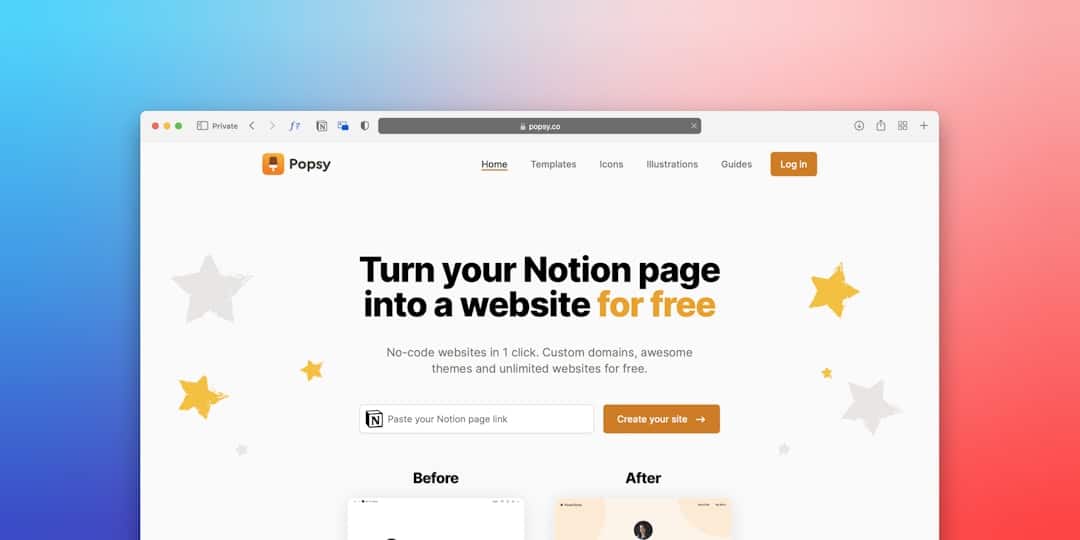
1. Wix
Wix is widely known for its flexibility and beginner-friendly approach. It offers an intuitive drag and drop editor that allows users to place elements anywhere on the page. Wix also provides hundreds of templates suitable for blogs, portfolios, small businesses, and online stores.
One standout feature is Wix ADI, an artificial intelligence tool that builds a website automatically based on user answers. This makes it especially appealing for users who want results quickly. However, designs are not easily transferable to new templates once chosen.
2. Squarespace
Squarespace focuses on clean, modern design and is particularly popular among creatives. Its templates are visually polished and responsive, meaning they look good on both desktop and mobile devices.
The platform uses a section-based editor rather than free-form drag and drop, which limits randomness but results in consistent layouts. While slightly less flexible than Wix, Squarespace is ideal for users who value aesthetics and simplicity.
3. Weebly
Weebly, now owned by Square, is another excellent option for beginners. Its interface is straightforward and easy to understand, making it suitable for personal websites and small online stores.
Weebly includes essential e-commerce tools, blogging features, and built-in SEO options. While it may lack advanced customization, it provides a smooth learning curve for non-tech users.
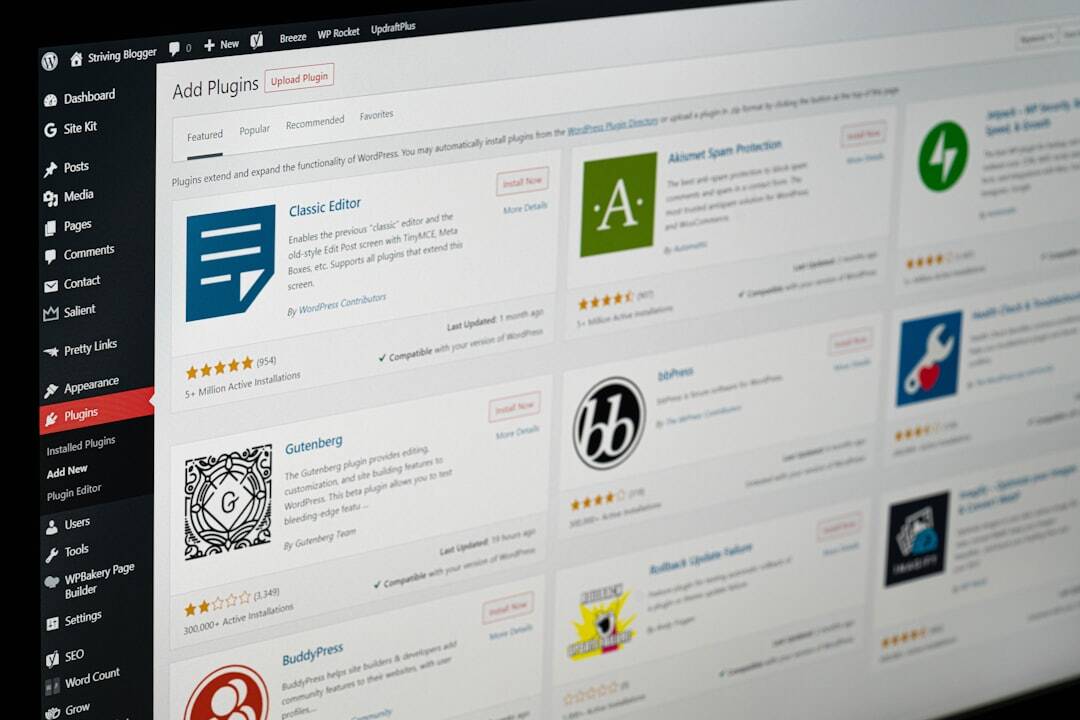
4. WordPress.com
WordPress.com offers a simplified version of the popular WordPress platform. Unlike self-hosted WordPress, it handles hosting, updates, and security automatically.
Users can choose from a wide range of themes and customize content using a visual editor. While more structured than Wix, WordPress.com is ideal for bloggers and content-focused websites who want room to grow.

5. Shopify
Shopify is the top choice for non-tech users who want to build an online store. It simplifies product management, payments, and shipping while offering professional store designs.
The interface is user-friendly, but it is primarily focused on e-commerce. Users looking to build a simple informational website may find Shopify excessive, but for selling online, it remains one of the best options.
6. Zyro
Zyro is a relatively new website builder that emphasizes speed and ease of use. It offers a clean editor, AI-powered tools, and affordable pricing plans.
Features like AI content generation and heatmap tools help users optimize their websites without technical knowledge. Zyro is best for small projects and users who want a streamlined experience.
7. Webflow
Webflow sits between simple builders and professional design tools. While it requires a slightly higher learning curve, it still offers visual editing without coding.
Non-tech users who want more control over animations and layouts may appreciate Webflow. However, absolute beginners might find it more complex than Wix or Weebly.
8. Duda
Duda is often used by agencies but is also suitable for individuals. It provides structured editing, responsive designs, and strong collaboration features.
The interface ensures consistency and performance across devices. While not as common as Wix or Squarespace, Duda is reliable and efficient for non-tech users building business websites.
9. Jimdo
Jimdo is designed for speed and simplicity. Its AI-driven setup helps users create a website in minutes by answering a few questions.
The customization options are more limited, but Jimdo is perfect for users who want a basic online presence without investing much time or effort.
How to Choose the Right Builder
Selecting the best website builder depends on the user’s goals. A personal blog, a creative portfolio, and an online store all have different requirements. Non-tech users should prioritize ease of use, support resources, and scalability.
- For creative portfolios: Squarespace or Wix
- For online stores: Shopify or Weebly
- For blogs and content: WordPress.com
- For fast setup: Jimdo or Zyro
Frequently Asked Questions
- Do website builders require coding knowledge?
No. Most modern website builders are designed for users with no coding experience. Everything is managed through visual editors and pre-built components. - Can non-tech users build professional websites?
Yes. With high-quality templates and customization options, non-tech users can create websites that look professional and polished. - Are website builders good for SEO?
Most are. Platforms like Wix, Squarespace, and WordPress.com include basic SEO tools that help optimize titles, descriptions, and page structure. - Which builder is best for small businesses?
It depends. Wix and Squarespace are great for service-based businesses, while Shopify and Weebly excel for online stores. - Can a website be moved from one builder to another?
Usually not easily. Most builders do not support full site transfers, so choosing the right platform from the start is important.